

Patch 1.9: ready-to-share images
Site news and patches 0 replies Followed by 0 members

Beacon Mag team Administrator
Sharing a Beacon Mag article is now simpler, and above all better looking: the site builds its own share images from the article’s cover and title.
An image with every shared link
When you paste an article link on Discord, Facebook, X, Bluesky or WhatsApp, the preview now shows an image in Beacon Mag colours: the cover, the logo, the section, the title and the site address.
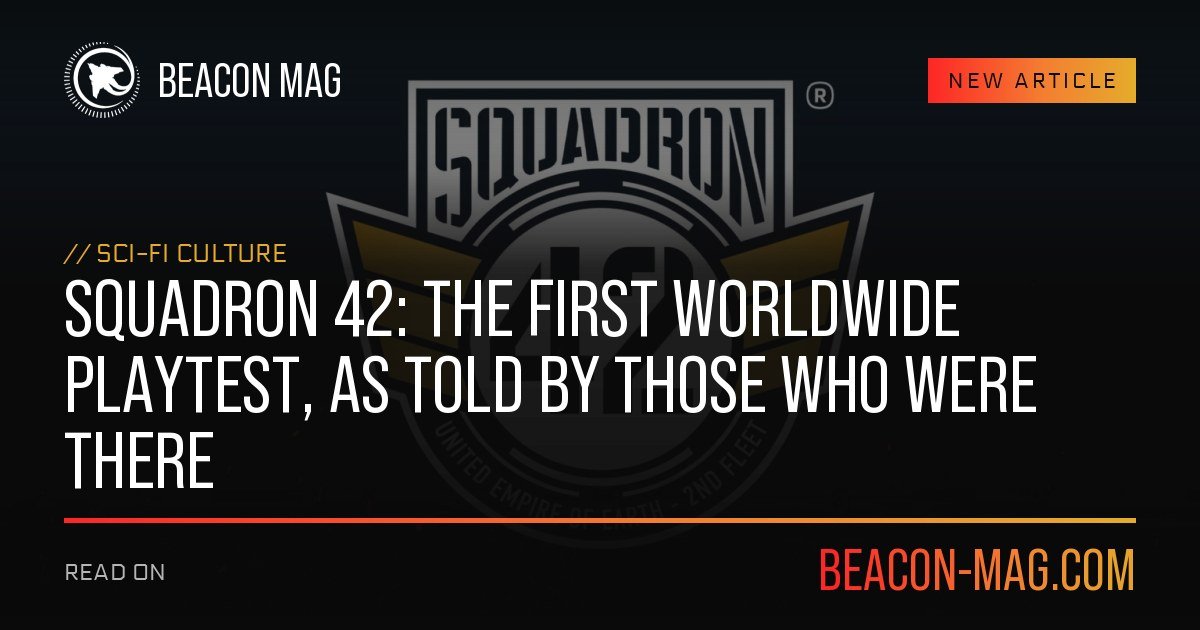
- A label tells you at a glance whether it is a new article, a quick news item or a new event.
- Our Discord bot’s announcements use the same image.
- The English version of each article has its own image, in English.
Story or square: your choice
In an article’s Share button, Instagram and Facebook open a window that prepares the image for you, in two formats:
- Story (9:16): for a story or a reel;
- Square (1:1): for a post.
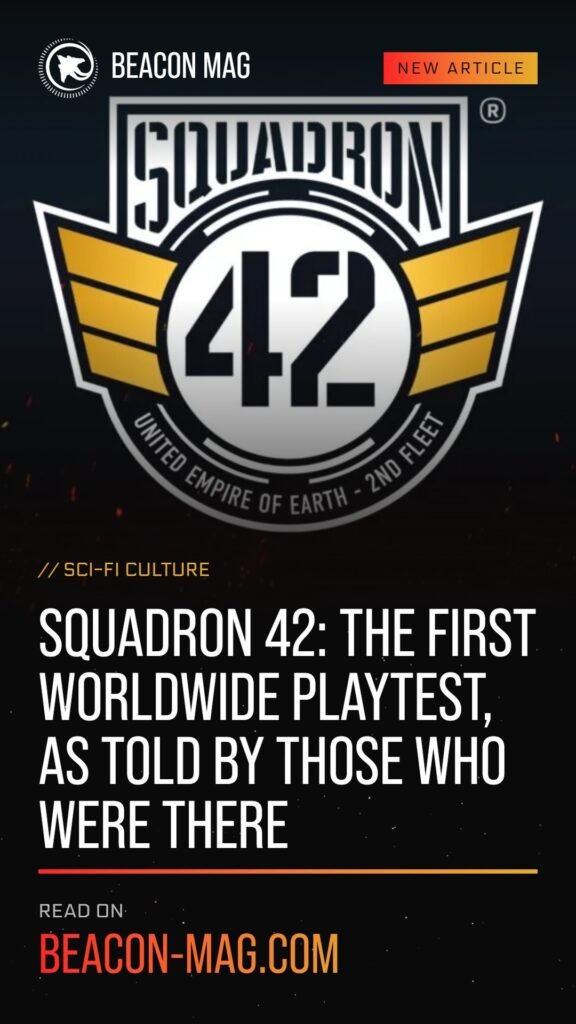

Under the preview, you can download the image, copy it, or copy the article link.
On a phone
- The Share… button sends the image to the app of your choice, with the article’s title and link.
- The link is also copied automatically: in an Instagram story, paste it with the “Link” sticker.
And also
- The X and Bluesky buttons suggest a ready-made message: “New article:” or “Quick news:”, followed by the title.
- The story and the square are built on your device, and Beacon Mag still loads no social network scripts.
- A link shared before this patch may keep its old preview for a few days, until the networks forget it.
Happy sharing, and thank you for spreading the word about Beacon Mag!
Join the discussion
Se connecterYour Discord name and picture will sign your messages. Be courteous: inappropriate messages are removed.