

Patch 2.7: the Beacon OPS app, Mapping, your game files and activities
Site news and patches 0 replies Followed by 0 members

Beacon Mag team Administrator
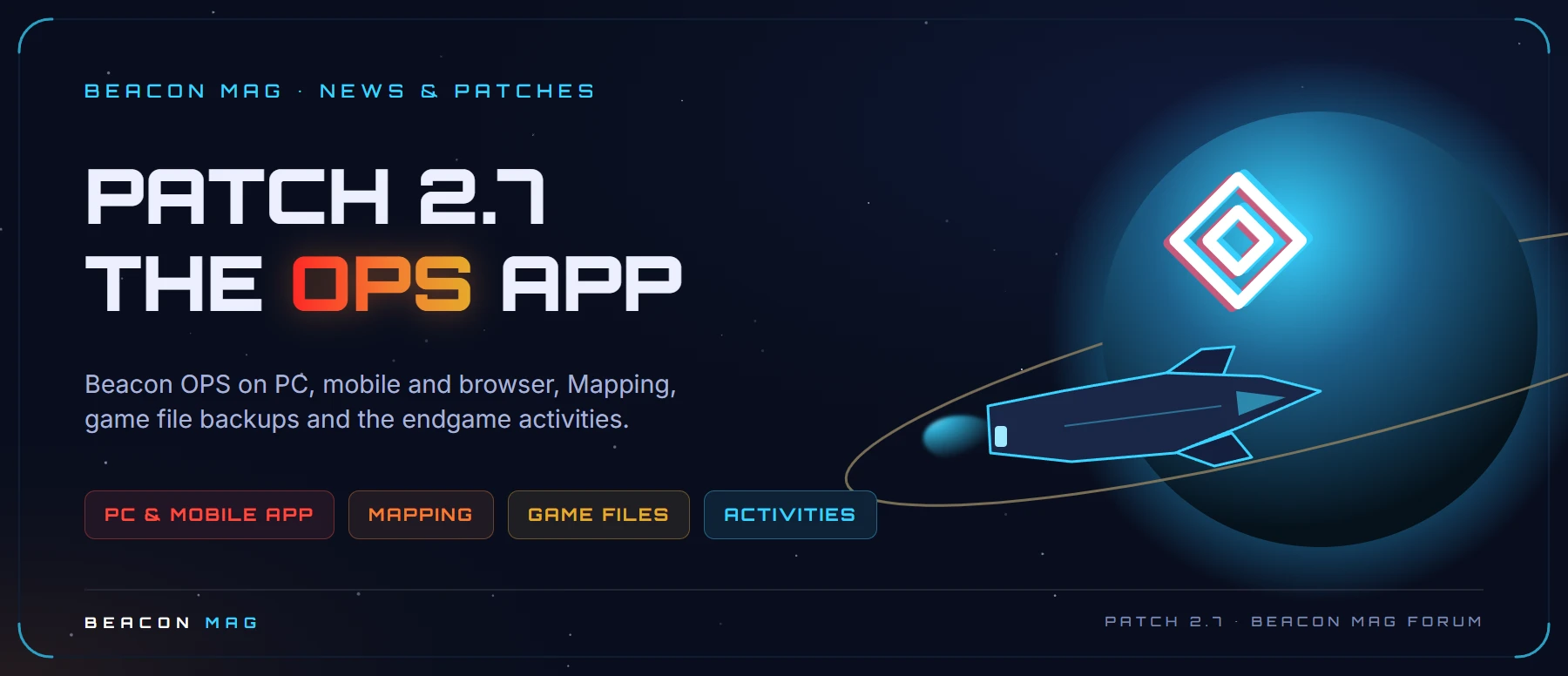
Beacon OPS becomes a real app! The pilot’s onboard terminal now installs on PC and on your phone, with three extra tabs, including the brand-new Mapping. The PC app can also keep your game files safe from patches. And the Star Citizen space welcomes an Activities section with more than 20 full guides. 👉 Download Beacon OPS
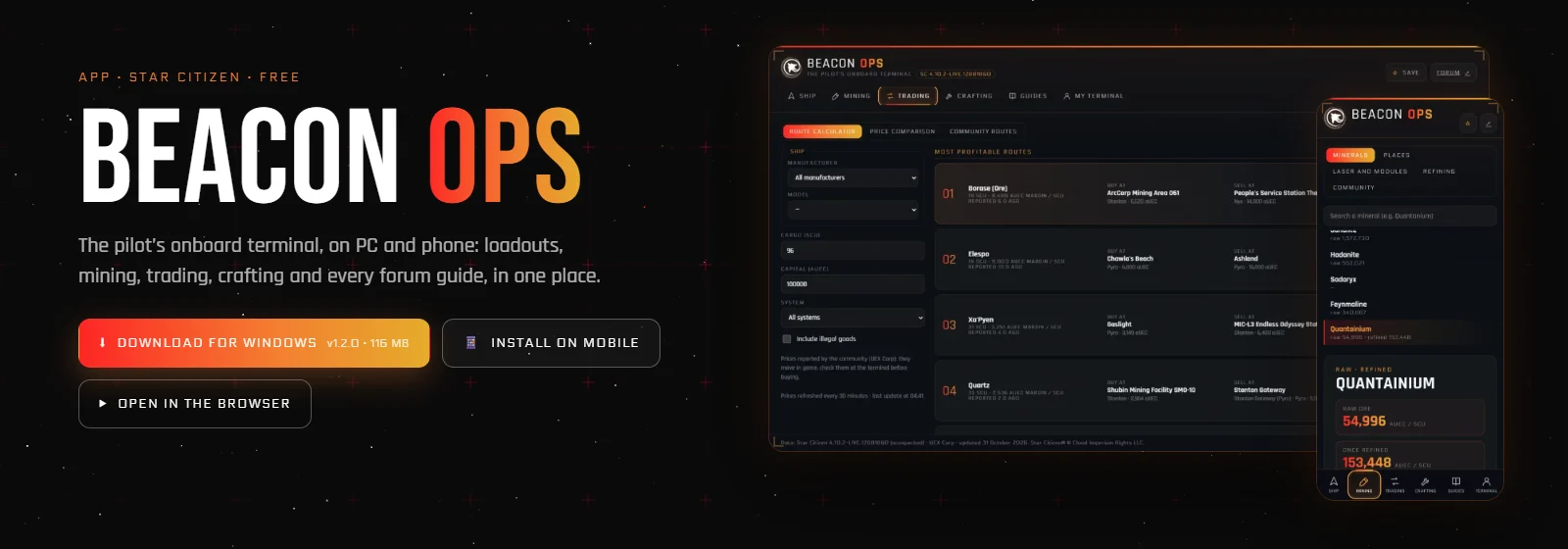
🛰️ The Beacon OPS app
- On PC (Windows): an installer and a window of its own that reopens where you left it. The app updates itself: it checks at start-up and then every six hours, downloads the new version and offers to restart.
- On your phone: install it from the browser (Chrome or Edge on Android, Safari › Share › Add to Home Screen on iPhone), with the tabs at the bottom of the screen.
- Three extra tabs: Mapping (see below), Guides (every forum guide, activity and tip, with a search) and My terminal.
- My terminal: your loadouts, trade routes and favourite views, saved with one click on ☆ Save, ready to export to another device. And your settings: interface colour, text size, start tab, animations, language.
- A presentation and download page, one click away from the new Beacon OPS tab in the site menu.
- Your saves stay on your device: nothing is sent, no tracking, no ads.
- Don’t want to install anything? Beacon OPS is still here on the forum, in a lighter version with the four tools (Ship, Mining, Trading, Crafting).
🕹️ New: Mapping
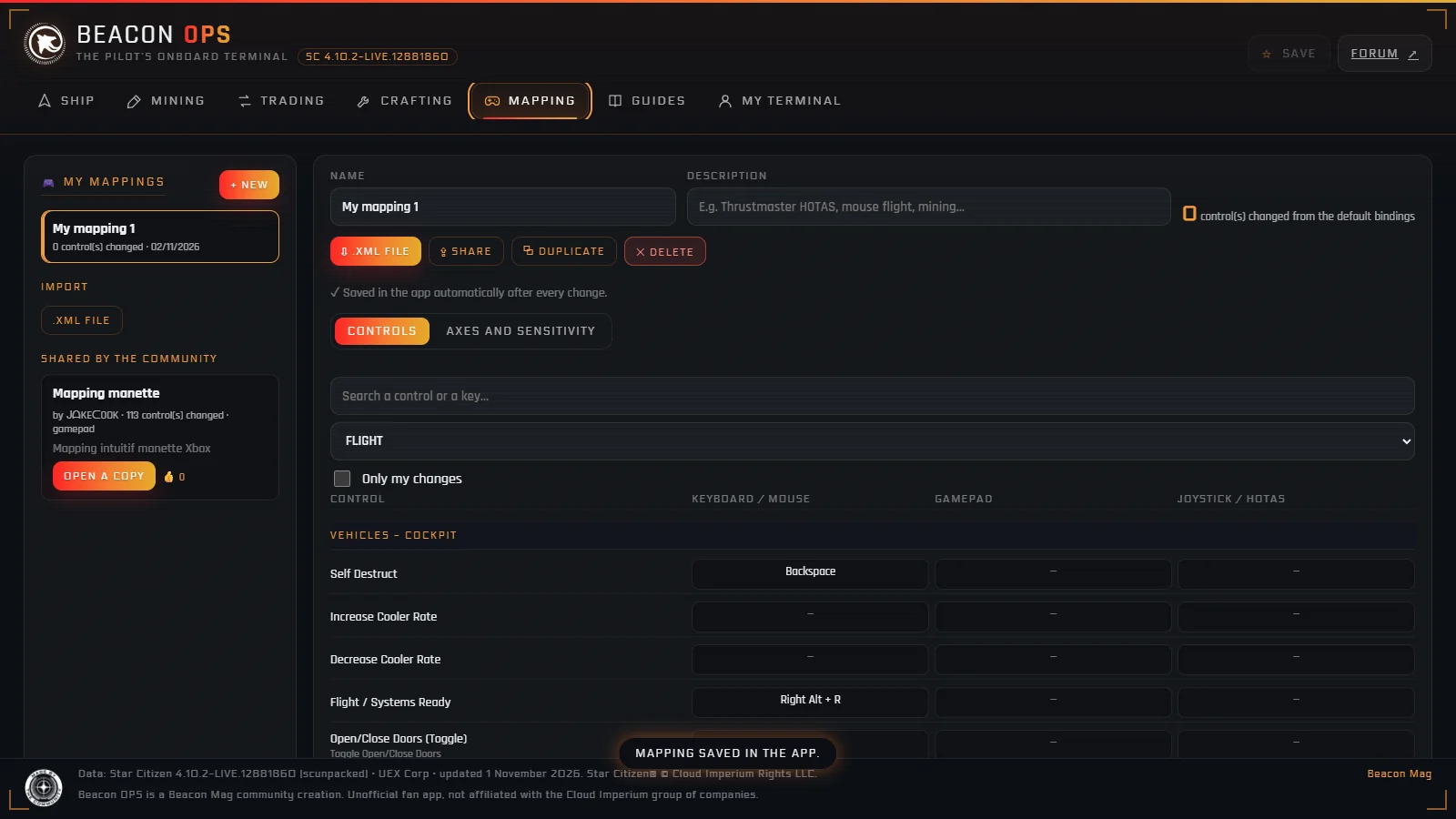
- All 752 game controls, laid out like Star Citizen’s options and taken from its files, with their official names in English and French.
- Keyboard and mouse, gamepad, joystick and HOTAS: click a binding, then press the key (with Alt, Ctrl or Shift if needed), click, scroll, press a button or move an axis. Or pick it from the list.
- Activation modes (press, hold, double tap…) and an Axes and sensitivity tab: inversion, curve and sensitivity for keyboard, gamepad and two joysticks.
- Search, category filter, “only my changes”, and a ⚠ when two controls share the same binding.
- Import your current game bindings (PC app) or a .xml profile.
- Save your mapping in the app, straight into the game as a control profile (PC app: your own profiles are never replaced), or as a file.
- Share it with the community (Discord sign-in): other pilots open a copy and give it a 👍.
💾 Your game files safe from patches (PC app)
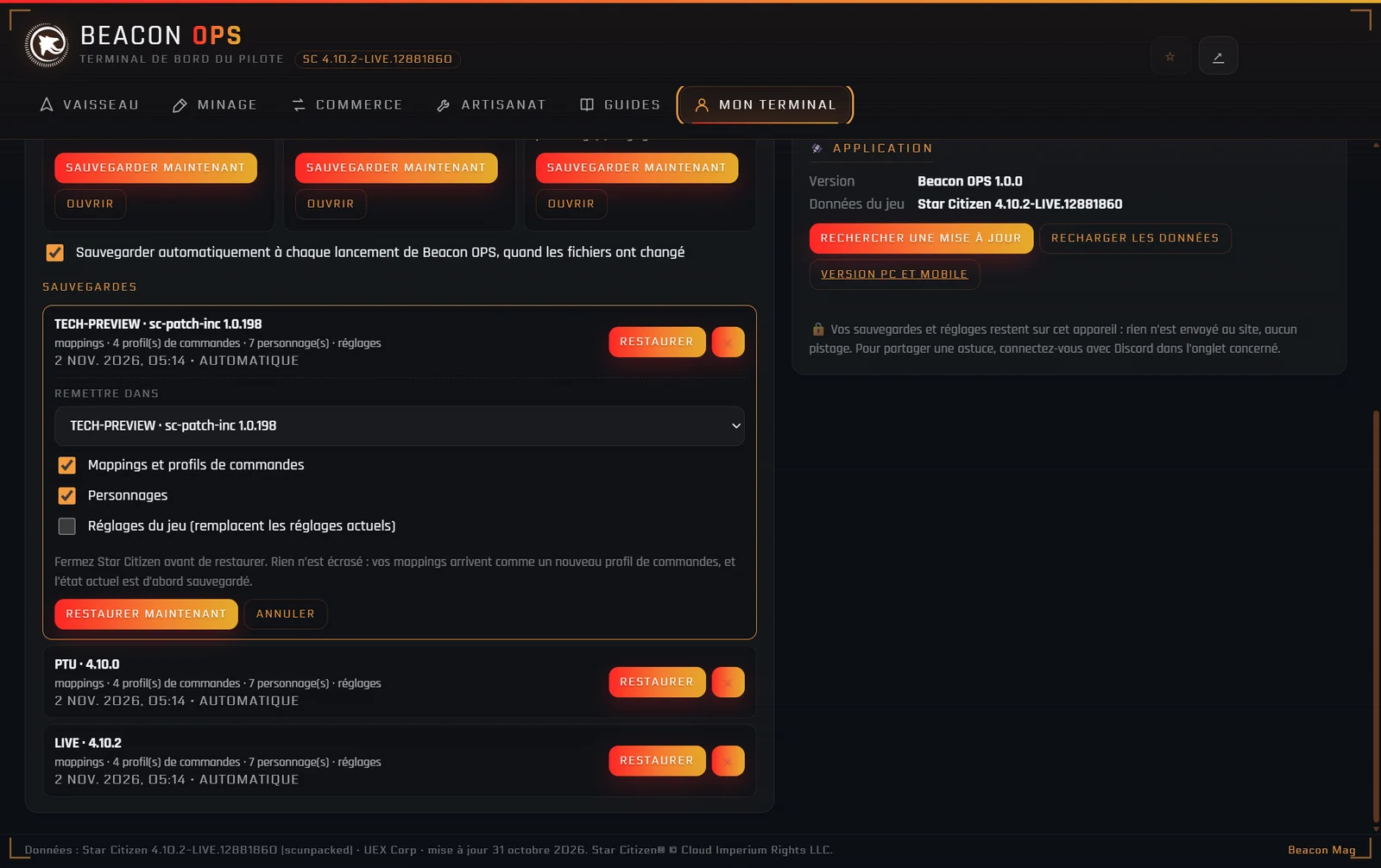
- In My terminal › Game files, the app finds Star Citizen on your PC and reads every installed version: LIVE, PTU, Tech Preview…
- It backs up your bindings, control profiles, characters and settings: automatically at every launch when they have changed, or with one click.
- After a patch, a banner warns you when files have gone missing: “Put them back”, and you’re done. A backup can also go from one version to another (LIVE to PTU, for example).
- Nothing is overwritten: your bindings come back as a profile to load in game, and the current state is backed up before every restore. Everything stays on your PC.
🚀 The Activities section
- A new subcategory of the Star Citizen space: more than 20 full guides, from bounty hunting and mining to rescue, smuggling and racing.
- The big endgame missions: Tactical Strike Group, QV Breaker stations, Vanduul tech smugglers, Onyx and Hyperion, Storm Breaker, the Siege of Orison, Pyro’s contested zones, PYAM executive hangars and Hathor sites.
- For each one: a step-by-step walkthrough, the route map, the plans redrawn Beacon Mag style and the rewards at stake.
- An index with a table of every reward: 👉 All Star Citizen activities.
⛏️ The tools
- Crafting: no more demo, here are the game’s real blueprints with their resources, plus recipes shared by players.
- Trading and mining: prices are now refreshed every 30 minutes instead of every night. Ships in the route calculator are grouped by manufacturer.
- Mining: Carinite, Jaclium and Saldynium point to the four Hathor orbital laser sites (Daymar, Aberdeen). Carinite, which can’t be sold in game and is used for crafting, is flagged as such.
🆘 SOS FTSC
- The SOS button moves from the home page to the Star Citizen space banner, right under Beacon OPS, and opens in a window over the forum.
🤝 And also
- The “Made by the Community” logo and the Cloud Imperium notice join the app and its page: Beacon OPS is a fan creation, signed Beacon Mag.
- The app’s “Delete” buttons are easier to read, whatever colour you choose.
Does Windows or your browser show a warning when downloading? That’s normal for a small free app without a paid certificate: everything is explained on the download page. An idea, a bug? Tell us in a reply. See you in the ’verse. o7
Join the discussion
Se connecterYour Discord name and picture will sign your messages. Be courteous: inappropriate messages are removed.