

[BUG] Launcher: update stuck, crashing, or the Launch button is gone
Bugs & fixes 0 replies Followed by 0 members

JakeCook Administrator
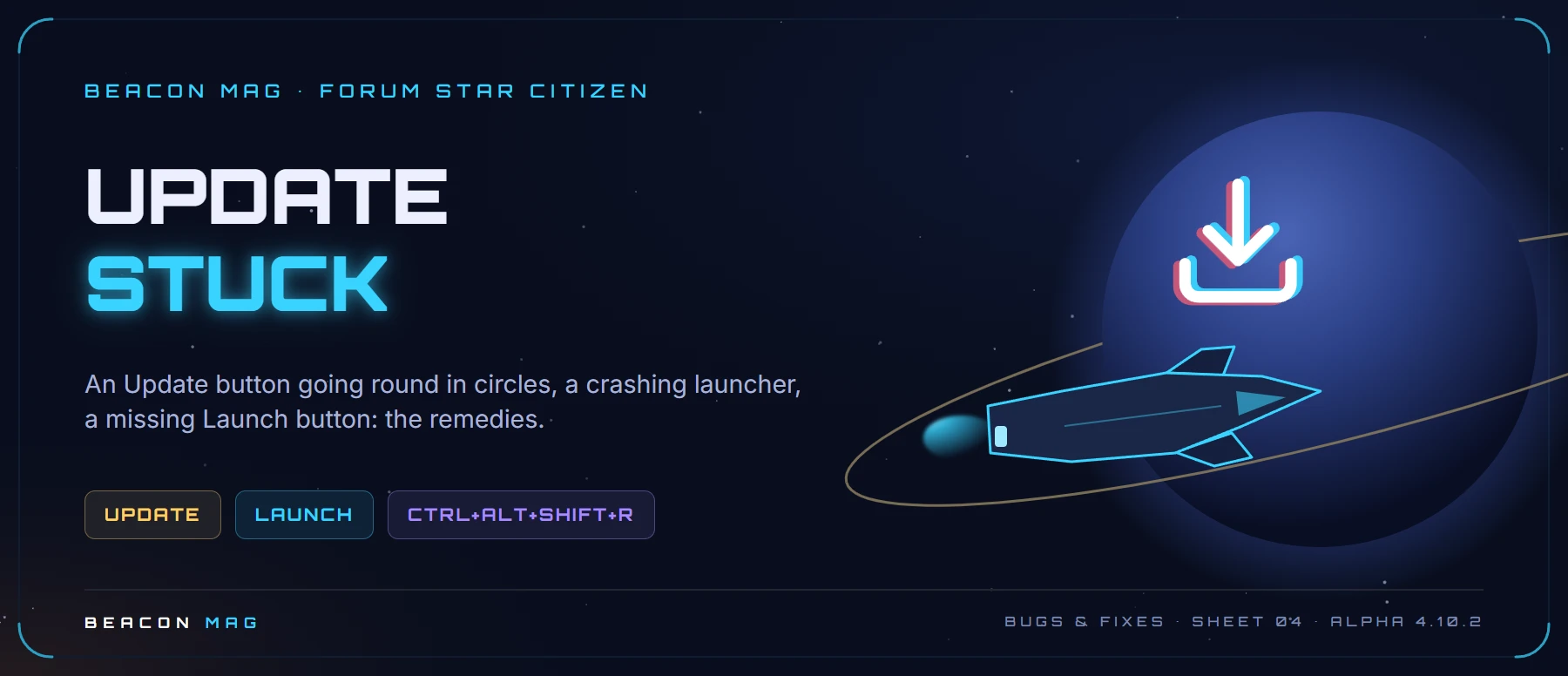
The symptoms: the update won’t start, gets stuck halfway, the launcher keeps crashing or the Launch button has disappeared.
⏬ The update won’t start or gets stuck 🟡
- The Update button resets itself: create the
...\StarCitizen\LIVEfolder manually, at the location shown in Settings › Library Folder. - The download crashes: use a cable if you can, set the speed below your real bandwidth (the launcher counts in MB/s: divide your plan’s Mb/s by 8), limit it to 5 simultaneous downloads, then restart your router and PC.
💥 The launcher crashes or the Launch button is gone 🟡
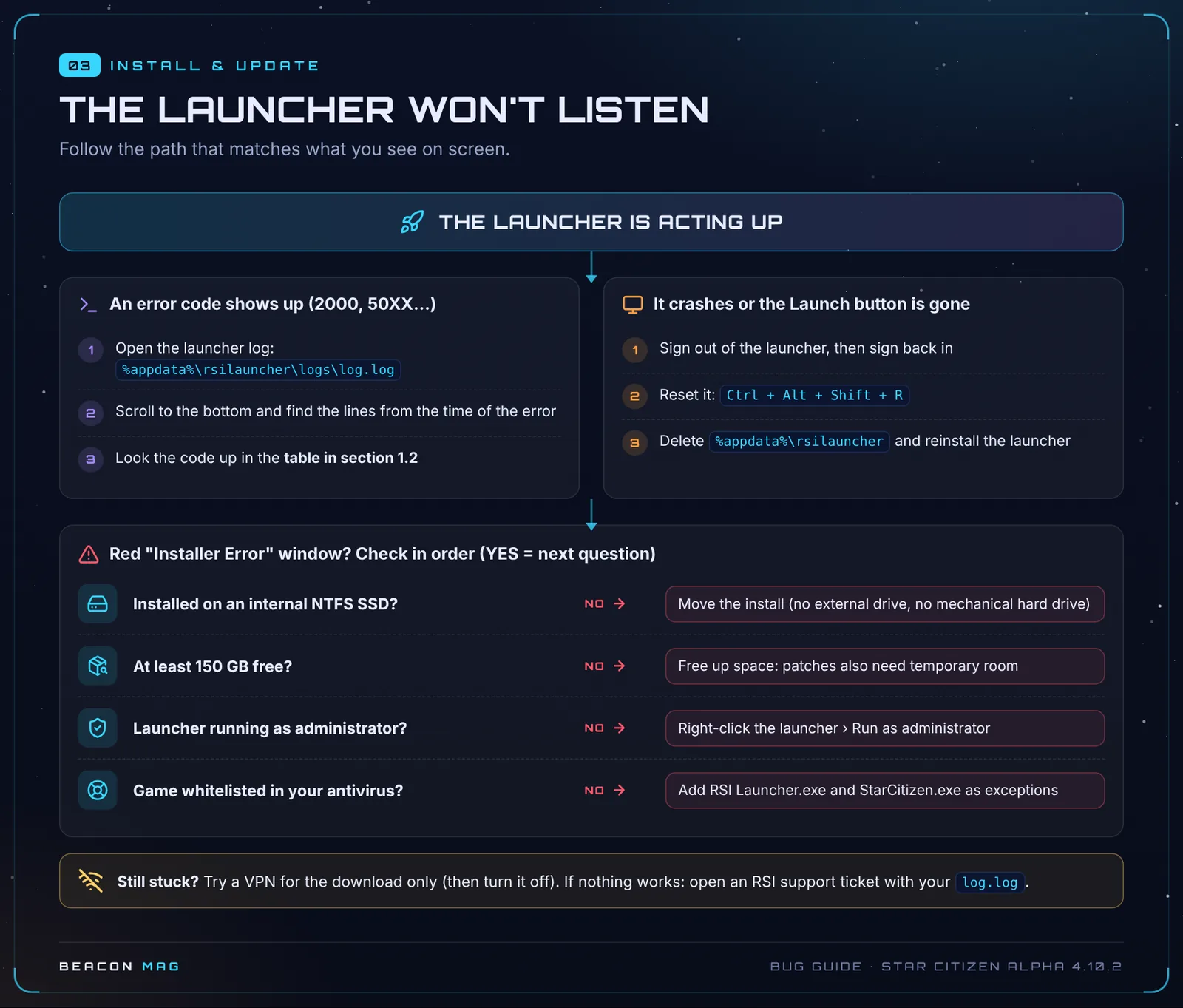
- Sign out of the launcher, then sign back in. It often happens when your IP address changes.
- Press
Ctrl + Alt + Shift + Rto reset the launcher. - If it keeps crashing, try in order: delete
%LOCALAPPDATA%\Star Citizen, then theUSERfolder, thenLIVE\Bin64followed by a Verify. - Last resort: delete
%APPDATA%\rsilauncherand reinstall the launcher.
💡 Worked example: on a 500 Mb/s fibre line, 500 ÷ 8 ≈ 62 MB/s. Set the launcher to around 50 MB/s to leave some headroom.
Key: 🟢 official CIG fix · 🟡 community tip, no guarantees · 🔴 no workaround, you’ll have to wait for a fix.
🆘 Still stuck?
Work through the first-aid kit in order, then report the bug properly. Found another tip that works? Post it as a reply and we’ll add it to this sheet with credit.
📚 Every bug and its fix (contents) · 📖 The great bug bestiary, on a single page
Sheet 04 · Alpha 4.10.2 LIVE, updated 19 October 2026. Sources: RSI support (Known Issues 4.10.2), patch notes and Community Tech Support on Spectrum. Star Citizen is a game by Cloud Imperium Games.
Join the discussion
Sign in with DiscordYour Discord name and picture will sign your messages. Be courteous: inappropriate messages are removed.