

[BUG] Launcher: the red “Installer Error” window
Bugs & fixes 0 replies Followed by 0 members

JakeCook Administrator
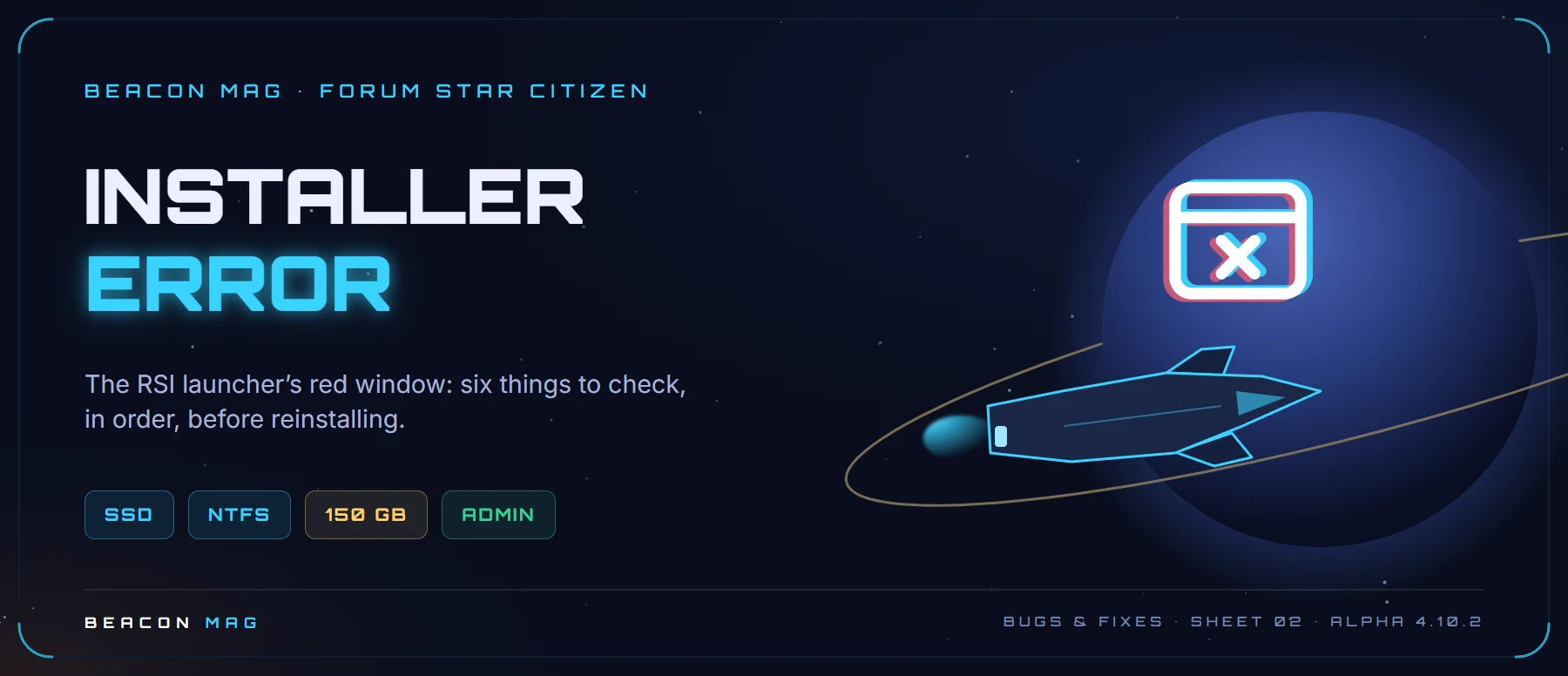
The symptom: while installing or updating the game, the RSI launcher shows a red “Installer Error” window and stops.
Why: most of the time the chosen drive isn’t suitable (external drive, mechanical hard drive, wrong format), it’s short on space, or Windows is blocking the files from being written.
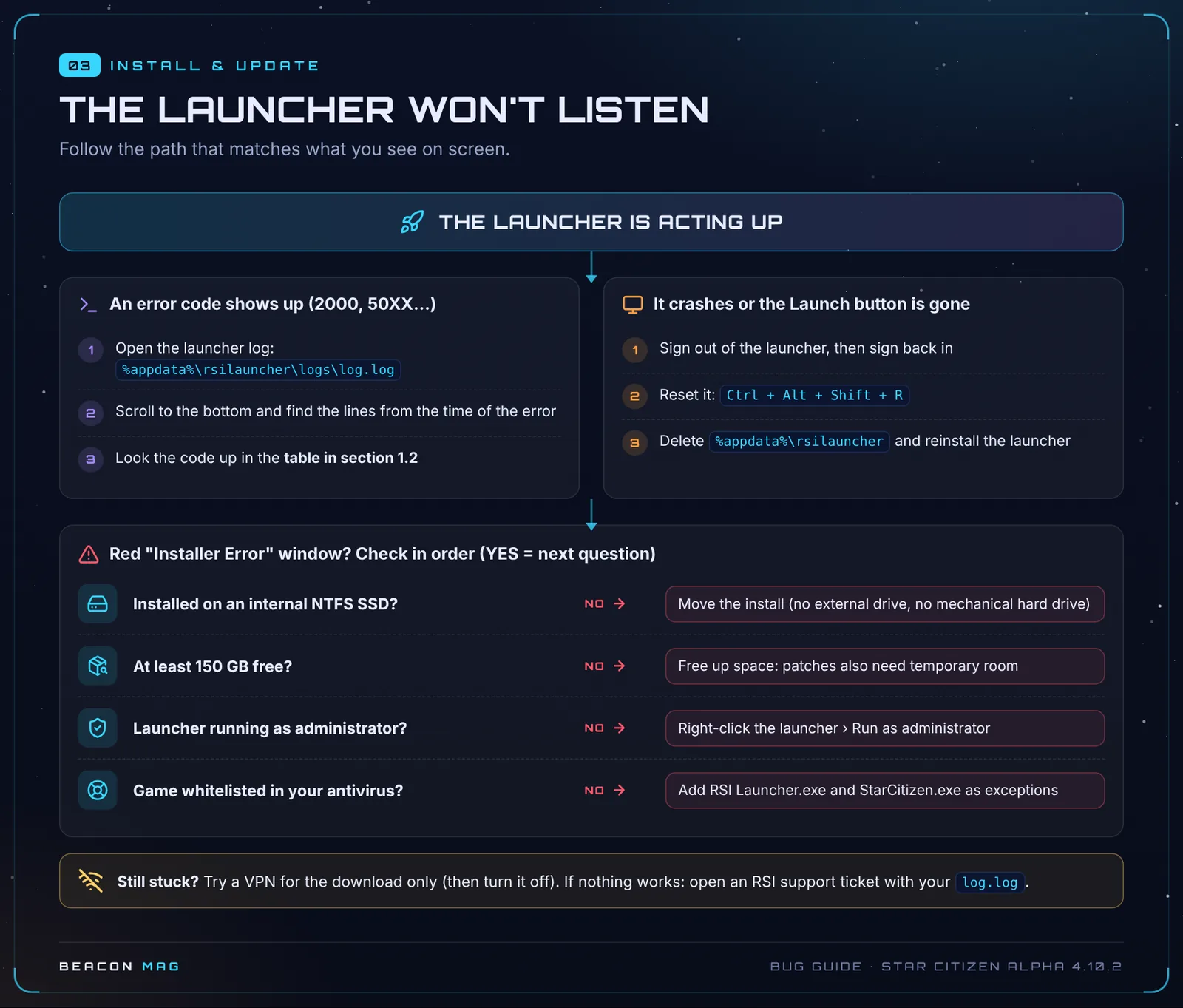
✅ The fix, point by point
- 🟢 The game is installed on an internal SSD formatted as NTFS. External drives are blocked and mechanical hard drives aren’t supported in practice. Don’t install the game in Desktop, Documents or Downloads either.
- 🟢 You have 150 GB free on that SSD, plus headroom for patches.
- 🟢 You run the launcher as administrator (right-click the icon › Run as administrator).
- 🟡 Close unnecessary software and unplug peripherals you don’t need.
- 🟡 Delete
%APPDATA%\rsilauncherand%APPDATA%\RSI, then reinstall the launcher. - 🟡 Try a VPN for the download only, then turn it off.
💡 To check a drive’s format: open File Explorer, right-click the drive › Properties. The “File system” line should say NTFS.
Key: 🟢 official CIG fix · 🟡 community tip, no guarantees · 🔴 no workaround, you’ll have to wait for a fix.
🆘 Still stuck?
Work through the first-aid kit in order, then report the bug properly. Found another tip that works? Post it as a reply and we’ll add it to this sheet with credit.
📚 Every bug and its fix (contents) · 📖 The great bug bestiary, on a single page
Sheet 02 · Alpha 4.10.2 LIVE, updated 19 October 2026. Sources: RSI support (Known Issues 4.10.2), patch notes and Community Tech Support on Spectrum. Star Citizen is a game by Cloud Imperium Games.
Join the discussion
Sign in with DiscordYour Discord name and picture will sign your messages. Be courteous: inappropriate messages are removed.